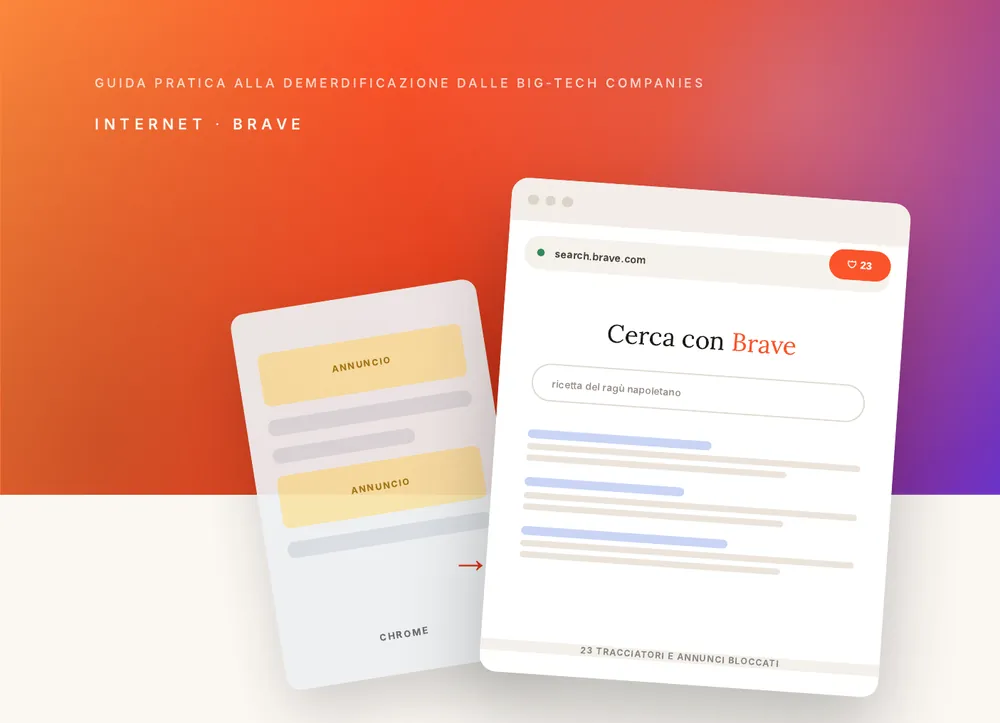
Why leave Chrome
The browser is the window through which we see the whole internet: email, bank, news, health. Chrome is made by Google, which earns almost everything from targeted advertising: whoever builds the window and whoever sells the ad space are the same company.
- No more serious ad blocking: with the new extension rules (Manifest V3), Google removed uBlock Origin from its store on 31 August 2026.
- Google’s AI inside the browser: since September 2025 Gemini is built into Chrome and has to read the pages you look at.
- Everything tied to your account: history, bookmarks and passwords add up to what Google already knows from Gmail, Maps, YouTube and Android.
- A certified monopoly: in August 2024 a US federal court ruled that Google had illegally maintained its search monopoly.
| Brave | Firefox | |
|---|---|---|
| Who makes it | Brave Software, a US company | Mozilla, controlled by a non-profit foundation |
| Engine | Chromium, like Chrome | Gecko, independent of Chrome |
| Ad blocking | already on (Shields) | full uBlock Origin, also on Android |
| Search engine | Brave Search, with its own index | Google by default: change it |
| Best for | the easiest move from Chrome | those who want to support a non-profit browser |
Step by step
- Download only from the official site:
brave.comorfirefox.com. Some sites and ads imitate the download page. - Import from Chrome bookmarks, history and extensions on the welcome screen. Better not to import passwords: they go into Bitwarden (step 7).
- Make it the default. Windows: Settings → Apps → Default apps. Mac: System Settings → Desktop & Dock → Default web browser. Then put its icon where Chrome used to be: that is what changes the habit.
- With Brave: Settings → Shields, trackers and ads blocking set to “Aggressive”; hide Rewards, Wallet, Leo and VPN, which you don’t need to browse. The engine is already Brave Search.
- With Firefox: install uBlock Origin from
addons.mozilla.org(author Raymond Hill). In Settings → Search add Brave Search with the addresshttps://search.brave.com/search?q=%sand make it the default. In Privacy & Security choose “Strict” protection, turn off ad measurement and sponsored shortcuts; in AI controls you can block every artificial intelligence feature. - On the phone install it from the store and make it the default. On Android, Firefox also accepts uBlock Origin.
- A two-week trial with Chrome still installed: whenever something is missing, fix it at once in the new browser.
- Clean up and close: on
chrome.google.com/syncchoose Delete data; onmyactivity.google.comdelete and turn off Web & App Activity. Then uninstall Chrome (on Android: Disable).
To be honest: the limits
- Brave is a for-profit company funded by investors. It has slipped up (affiliate codes added to some cryptocurrency sites’ addresses in 2020, VPN services quietly installed on Windows in 2023) and then corrected course. It uses Chrome’s engine, developed mostly by Google.
- Firefox gets about 85% of its revenue from Google, which pays to be the default search engine: that is why you should change it. In 2025–2026 it stumbled over its terms of use and AI; now a single switch turns off every AI feature.
- On iPhone Firefox cannot use extensions: there Brave, which blocks by itself, protects you better.
Apps often rename their menu items: if you can’t find one exactly as written, look for the closest match.
Checklist
Your ticks are saved only in this browser.
The full guide
The PDF, in Italian, contains every step, the images, the most common questions and the page of sources.