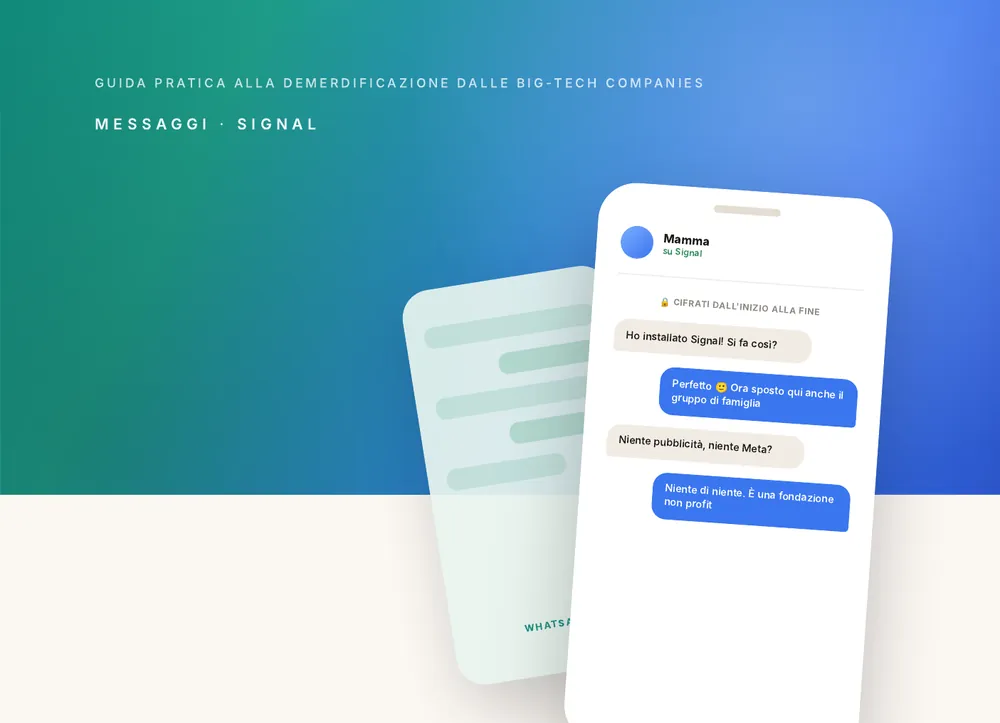
Why leave WhatsApp
- Advertising: ads in the Updates tab, extended worldwide in February 2026; in Europe they can be removed only with a paid subscription.
- Meta AI in your chats: it cannot be fully switched off, and conversations with the assistant are not end-to-end encrypted.
- Metadata: the content is encrypted, but WhatsApp knows who you talk to, when, how often and from where.
- Scams: it is the favourite target of profile thieves, with the fake “code sent by mistake”, the “ghost” linked computer and the “Hi Mum, I’ve changed my number”.
- Closed code: no one outside Meta can check what the app really does.
Why Signal
Signal does the same things as WhatsApp: messages, voice notes, photos, groups, voice and video calls, also from the computer. It encrypts not only the content but most of the metadata: it has no access to your address book, your groups, or profile names and photos. When US authorities ask for data, Signal can hand over only the date the account was created and the date of the last connection, and it publishes every request at signal.org/bigbrother.
It is run by the Signal Foundation, a non-profit founded in 2018 with money from Brian Acton, the WhatsApp co-founder who left Meta over disagreements on the use of data. It has no investors, lives on donations, and its code is public.
| Signal | ||
|---|---|---|
| Who owns it | Meta, listed on the stock market | a non-profit foundation |
| How it is funded | advertising, business services | donations |
| Code | closed | open |
| Metadata | collected | almost none |
| Artificial intelligence | Meta AI, cannot be switched off | none |
| Hide your number | no | yes, with a username |
Install Signal in 5 steps
- Download the app from the Play Store or App Store: blue speech-bubble icon, by Signal Foundation. There are fakes with similar names.
- Enter your number and the code you receive by SMS. Never give that code to anyone, for any reason.
- Choose a PIN that is easy for you to remember, but not your date of birth, and write it on a sheet of paper kept with your important documents.
- Enter your name and allow access to contacts to see who already uses Signal.
- Turn on Registration Lock: your photo at top left → Account. Without the PIN no one can take over your profile, not even with the SMS code.
Optional: a username so people can find you without your number, encrypted backups (copy the key onto your PIN sheet), disappearing messages and Signal Desktop from signal.org/download.
Bringing your contacts along
- The core, in the first month: the 5–10 people you write to every day. Install the app together, in person, and reply on Signal when they write to you on WhatsApp.
- Groups, within three months: create the group on Signal with the same name, turn on the group link, post it on WhatsApp with a moving date and, on that date, close the old group to new messages.
- New groups start on Signal: dinners, trips, the five-a-side team.
- The rest, calmly: write “Find me on Signal” in your WhatsApp profile and email signature.
Hi! I’m leaving WhatsApp and moving to Signal: it’s free and works the same way, but it’s run by a non-profit foundation, has no ads and doesn’t collect our data. Download it from the store, register with your number and you’ll find me already there. I can help you install it if you like.
Common questions
- “But everyone is on WhatsApp”
- At first, nobody was on WhatsApp either. Signal uses your phone number: anyone in your address book who has it shows up straight away.
- “I have nothing to hide”
- It’s not about hiding, it’s about not giving away. And our chats also hold other people’s lives.
- “But WhatsApp is already encrypted”
- The content is, precisely with Signal’s technology. But WhatsApp collects metadata, shows ads and belongs to a company that lives on data.
To be honest: the limits
- You still need a phone number to register.
- Old WhatsApp chats cannot be imported: you start from scratch (you can export and keep them).
- It is a US foundation, although the data it could hand over is almost nil.
- Your contacts are there only if they install the app too.
Apps often rename their menu items: if you can’t find one exactly as written, look for the closest match.
Checklist
Your ticks are saved only in this browser.
The full guide
The PDF, in Italian, contains every step, the images, the most common questions and the page of sources.